Campaigns
Write a campaign once and send it at each shopper's local morning
Pick an audience, build the message in the editor, test the subject line, and schedule it for a set time or for each shopper's local morning.
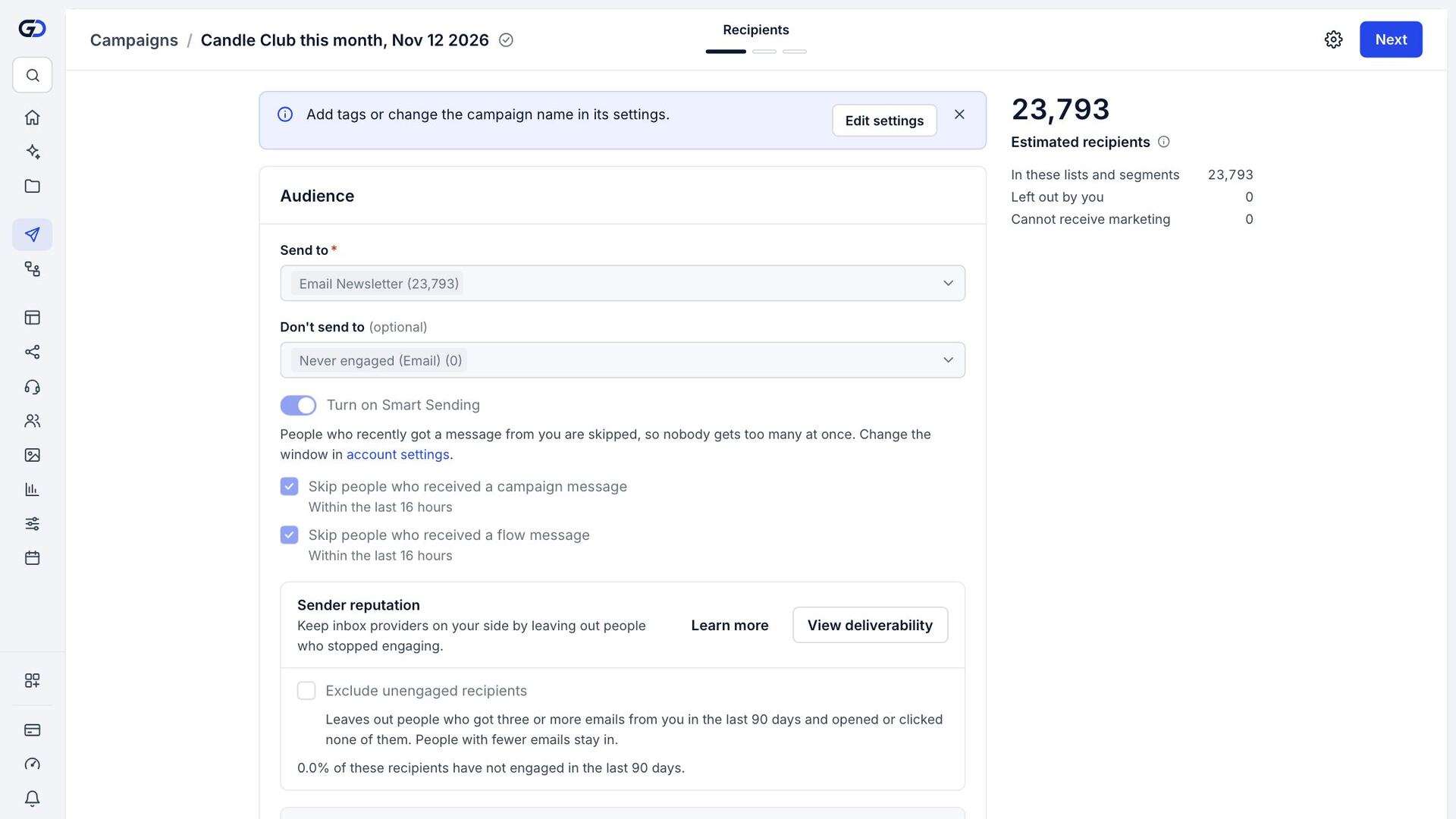
Three decisions make a campaign
Audience
Send to lists and segments, and exclude anyone who should not get it.Content
Start from a template or a past campaign and edit in the drag-and-drop editor.Timing
Send now, at a set time, or at the same local time in every time zone.
Campaigns stores send every month
New arrivals
Sale announcements
Restocks
Newsletters
Subject line test
20% of the audience, 4 hours, then the winner goes to the rest
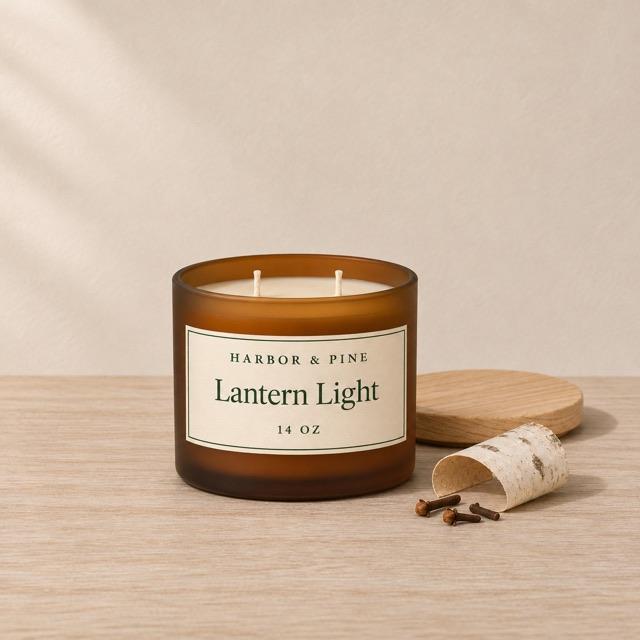
Lantern Light is back
Open rate 41.2%
Back at the cabin: Lantern Light
Open rate 44.8%
Testing
Test before you send to everyone
Send two or more versions to part of the audience and let the better one go to the rest.
What you can test. Subject line, preview text, sender name, content or send time.
How the winner is picked. By open rate, click rate or revenue, after a waiting time you set.
February
5 scheduledNew colours
Restock
VIP early
Weekend
Last call
Calendar
See the month at a glance
Every scheduled, sent and draft campaign on one calendar, so two sends do not land on the same shoppers on the same day.
Smart sending. Skip shoppers who got another message from you within a window you choose.
Clone. Copy last month's campaign with its audience and content in one click.
Results
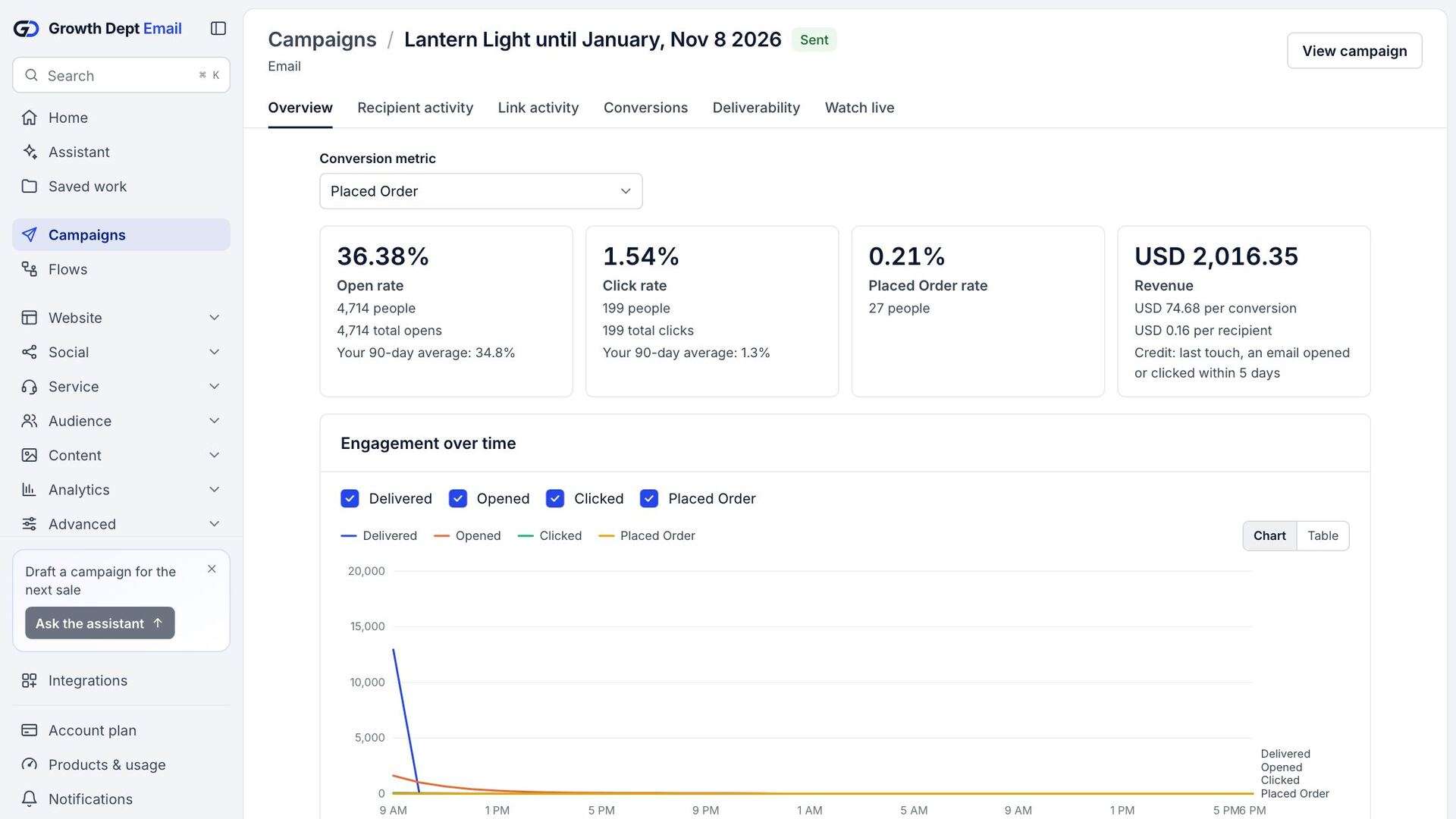
Know what each campaign earned
Opens, clicks, orders and revenue per campaign and per variant, worked out from the totals rather than averaged.