Email templates
Start from a layout, finish in your brand
The editor has starting layouts for the emails stores send most. Your logo, colours and fonts come from the brand library, so every template looks like you.
Starting layouts
Drawn examples of the layouts in the editor. Each one opens in the drag-and-drop editor for you to change.
From layout to sent email in four steps
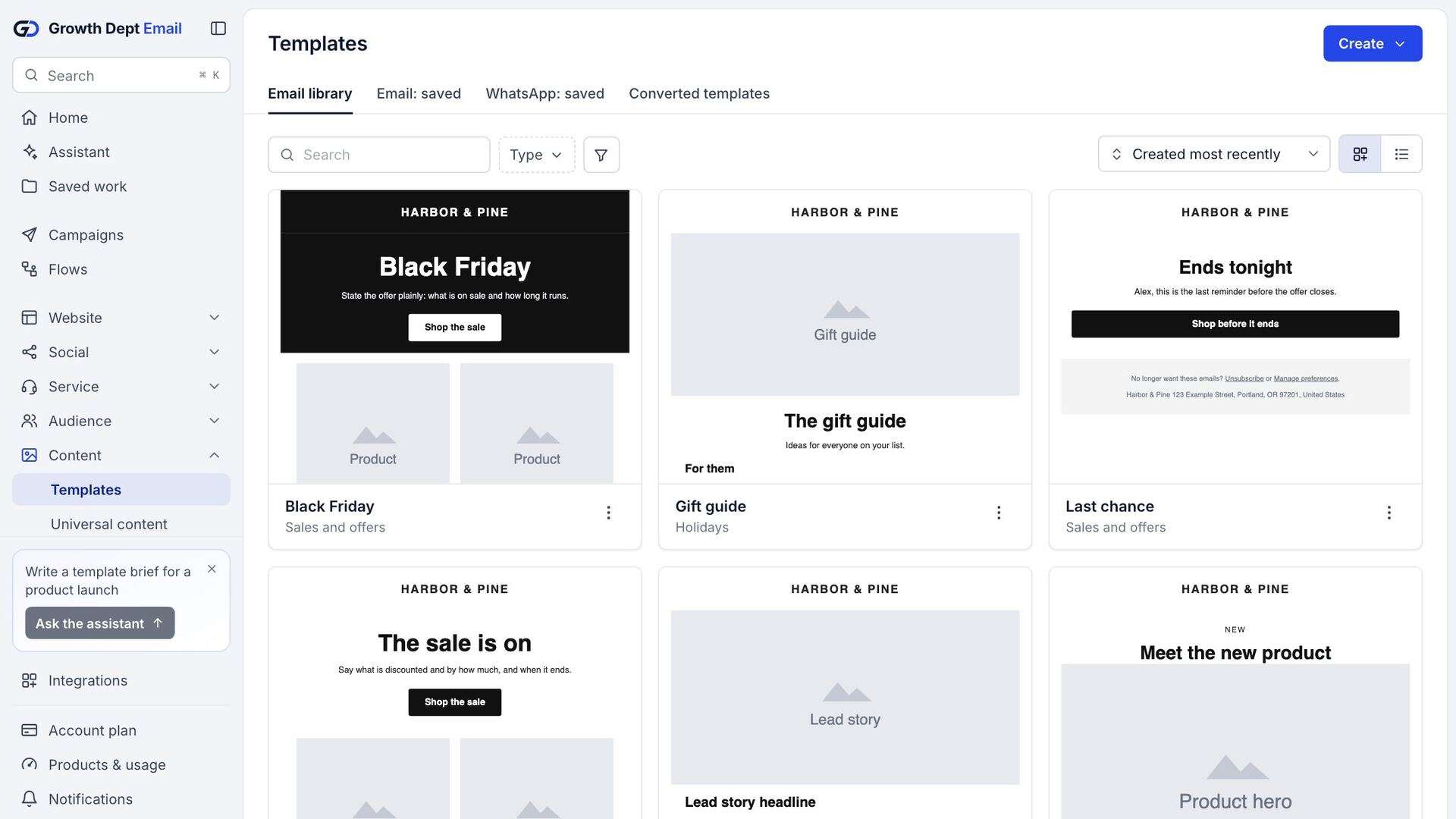
Choose a layout, a saved template or a past campaign.
Brand library
Your styles, set once
Logo, colours, fonts and button styles are saved per account and applied to new templates.
Code
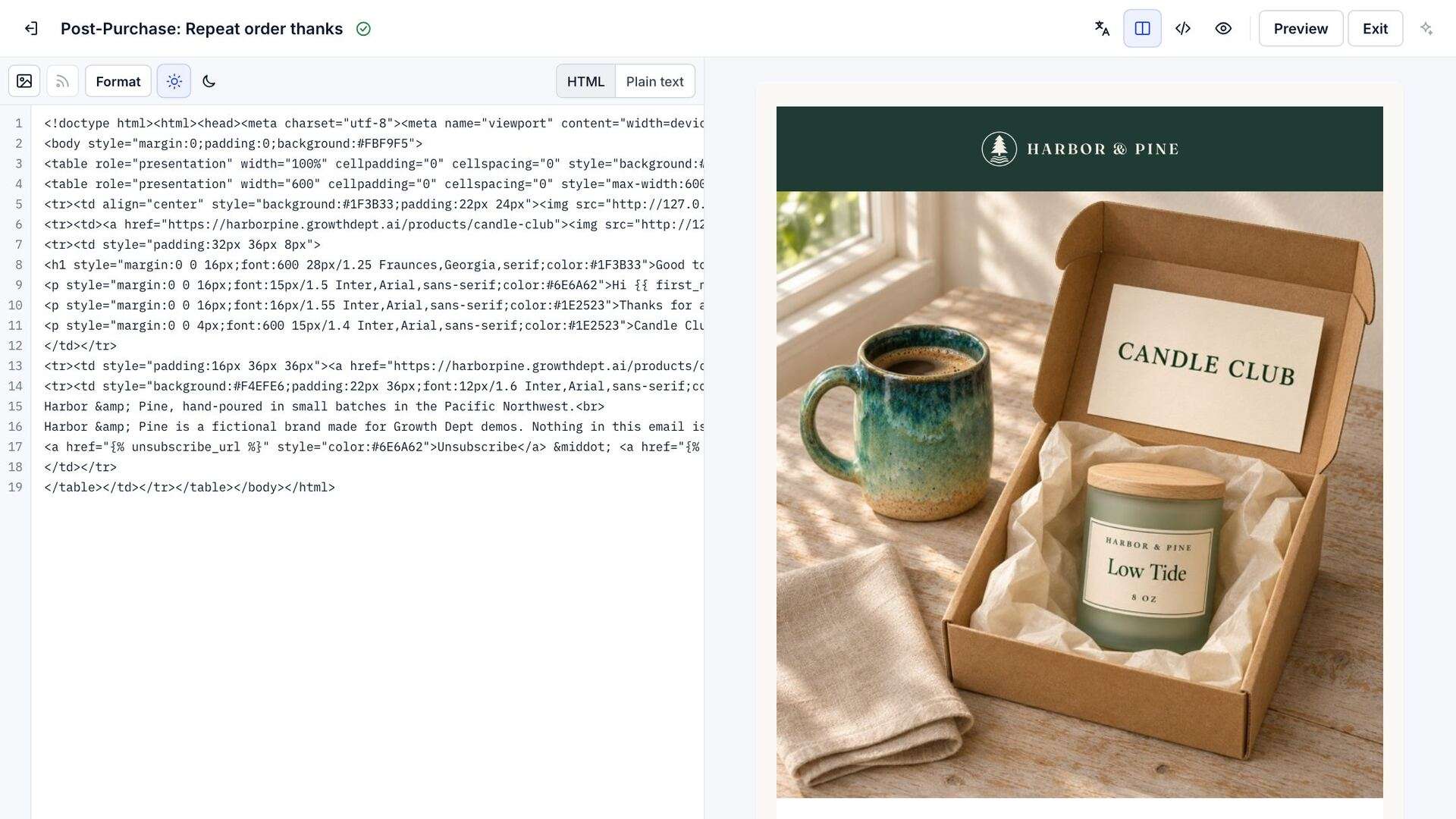
Write HTML when you want to
Code templates take your own HTML with the same template language for names, products and links.
Template tags. Unsubscribe links, a view-in-browser link and coupon codes.
Catalog lookups. Pull a product by id into any email.
Saved sections
Change it once, update it everywhere
Save a header, a footer or a promo block as a section and reuse it. Edit it once and every email that uses it changes.
Questions about templates
Can I bring my existing templates?
Templates come across in the import from Klaviyo, and code templates take any HTML you paste in.
Do emails work in Outlook and on phones?
Emails are built from tables and inline styles that render in the major inbox apps, and each block can be set for phone screens.
Can I sign up today?
Accounts are open by invitation while we finish the platform. Ask for an account and someone from Growth Dept will reply to set it up with you.