Email marketing
Email that sells, written for each shopper
Design campaigns in a drag-and-drop editor, let flows send themselves when shoppers sign up, browse or buy, and see the orders every email brought in.
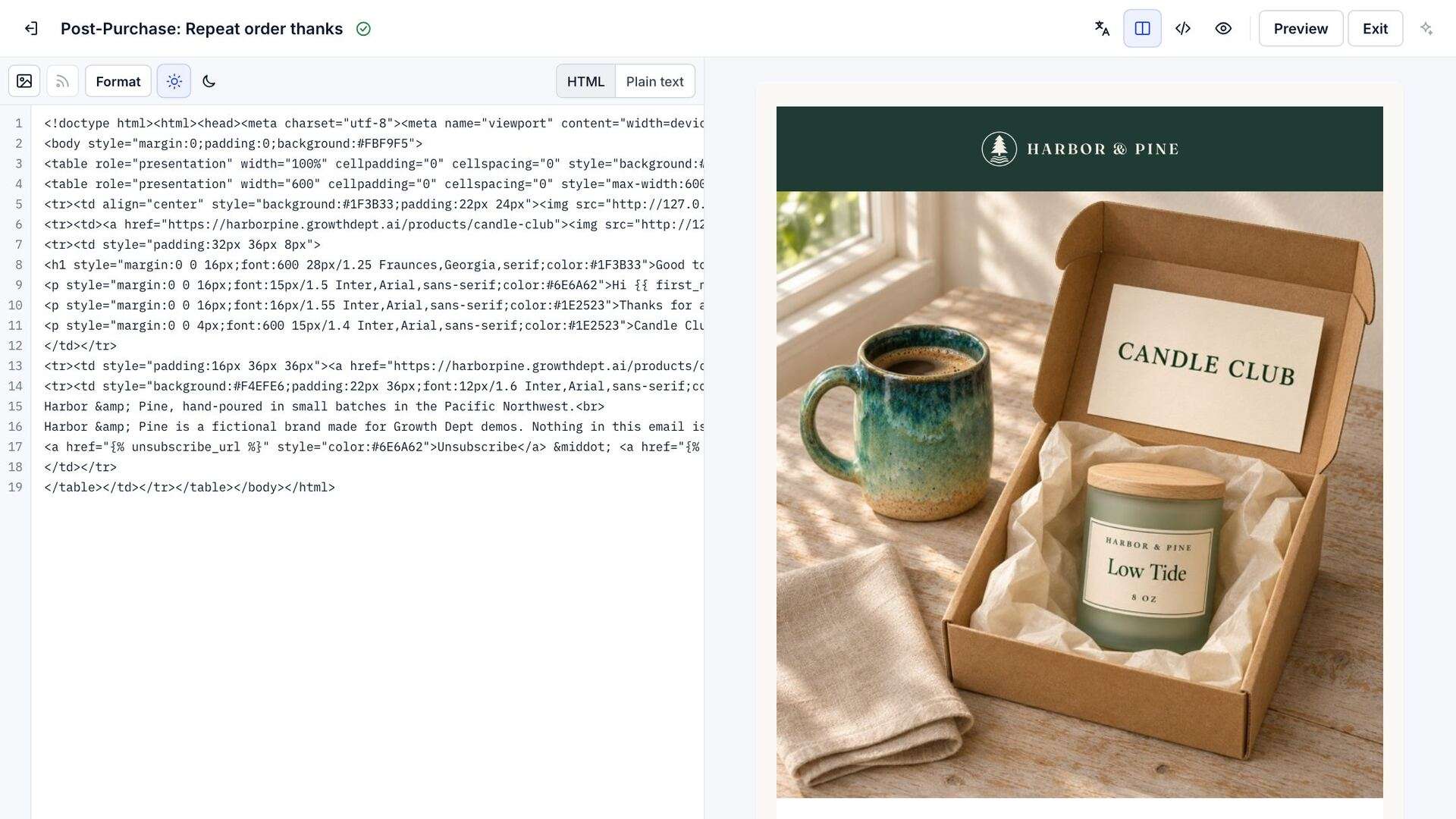

In every plan
- Drag-and-drop editor
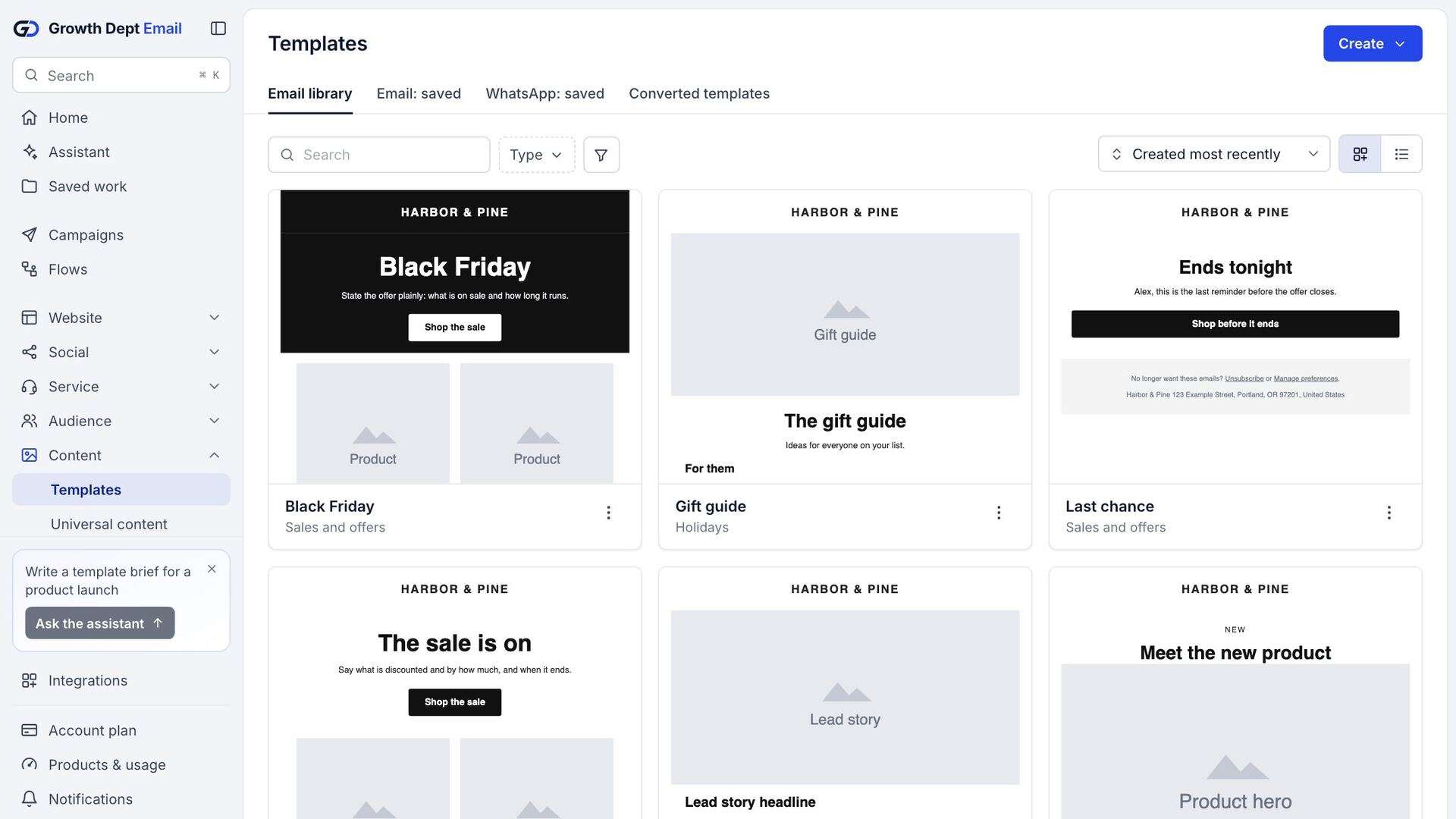
- 22 templates to start from
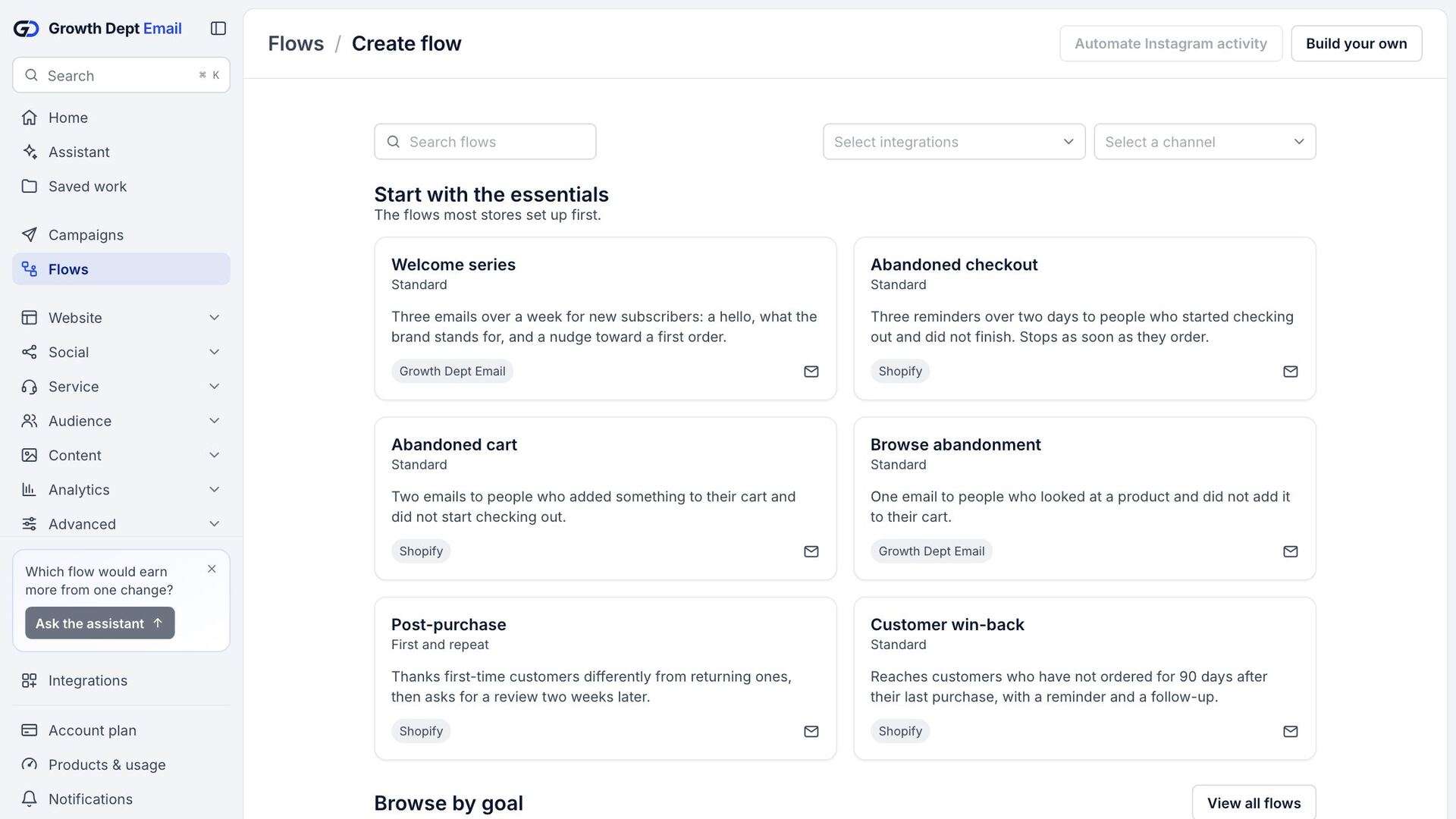
- Automated flows
- A/B tests
- Product blocks from your catalog
- Your own sending domain
- Send in each shopper's time zone
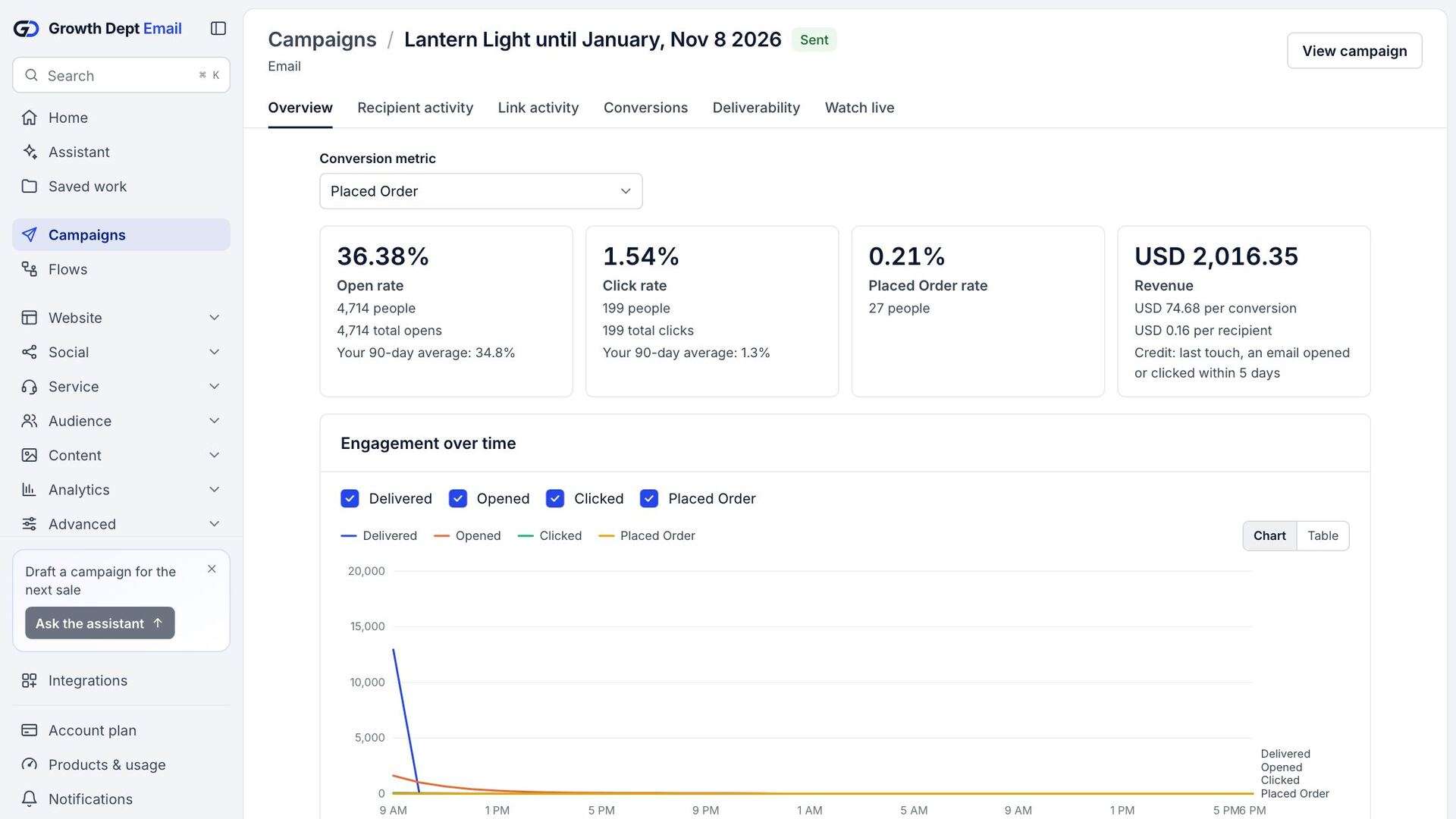
- Revenue per email
Stand out in a crowded inbox
Put a shopper's name, last order or the products they viewed into any email, and show or hide whole sections by segment.Automate every stage of the journey
Welcome series, abandoned cart, browse follow-ups, post-purchase thanks and win-back run on their own once you switch them on.Know what every send earned
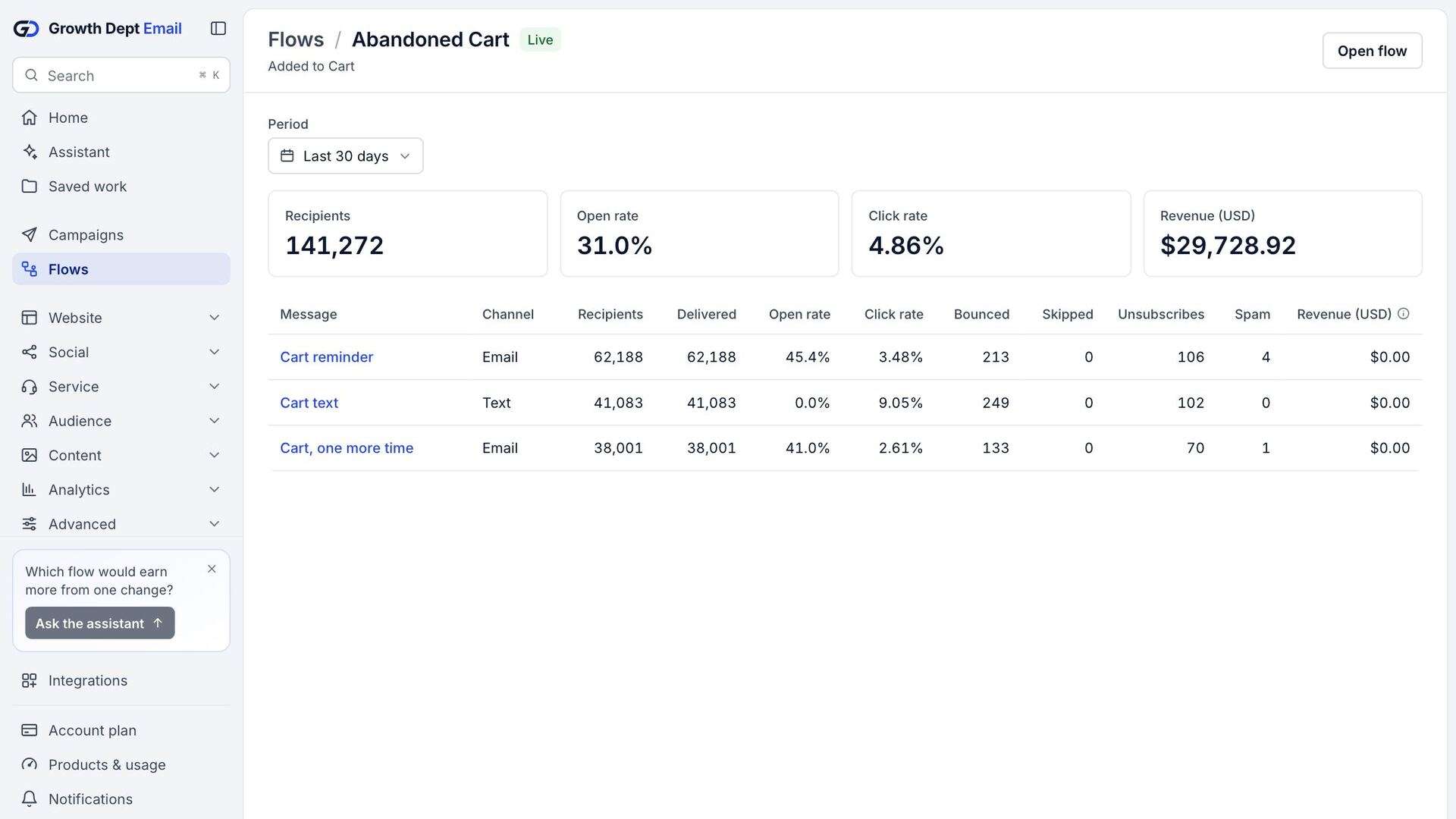
Opens, clicks, orders and revenue for each email, worked out from your store's own orders.
Better personalization starts with better data
Every email can use what the platform knows about each shopper: orders, browsing, the forms they filled in and the lists they joined.



Subject line test
20% of the audience, 4 hours, then the winner goes to the rest
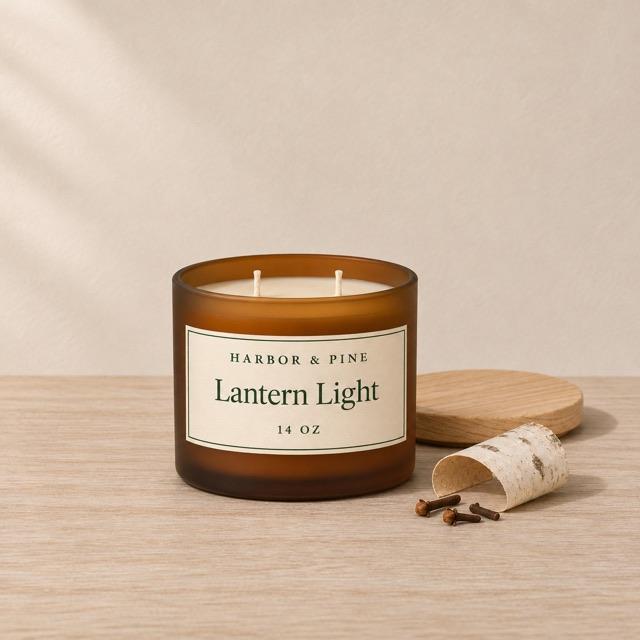
Lantern Light is back
Open rate 41.2%
Back at the cabin: Lantern Light
Open rate 44.8%
Pricing that grows with your list
Plans are priced by active profiles, the contacts you can market to. Move the slider to see the monthly price at your size.
Campaigns, flows, segments, sign-up forms and reports. Ten email sends a month for each active profile.
$15USD a month
From $15 a month for 500 active profiles, in US dollars.
Keep the conversation going on every channel
One profile per shopper means a sign-up form, a text and a helpdesk reply all land in the same place.

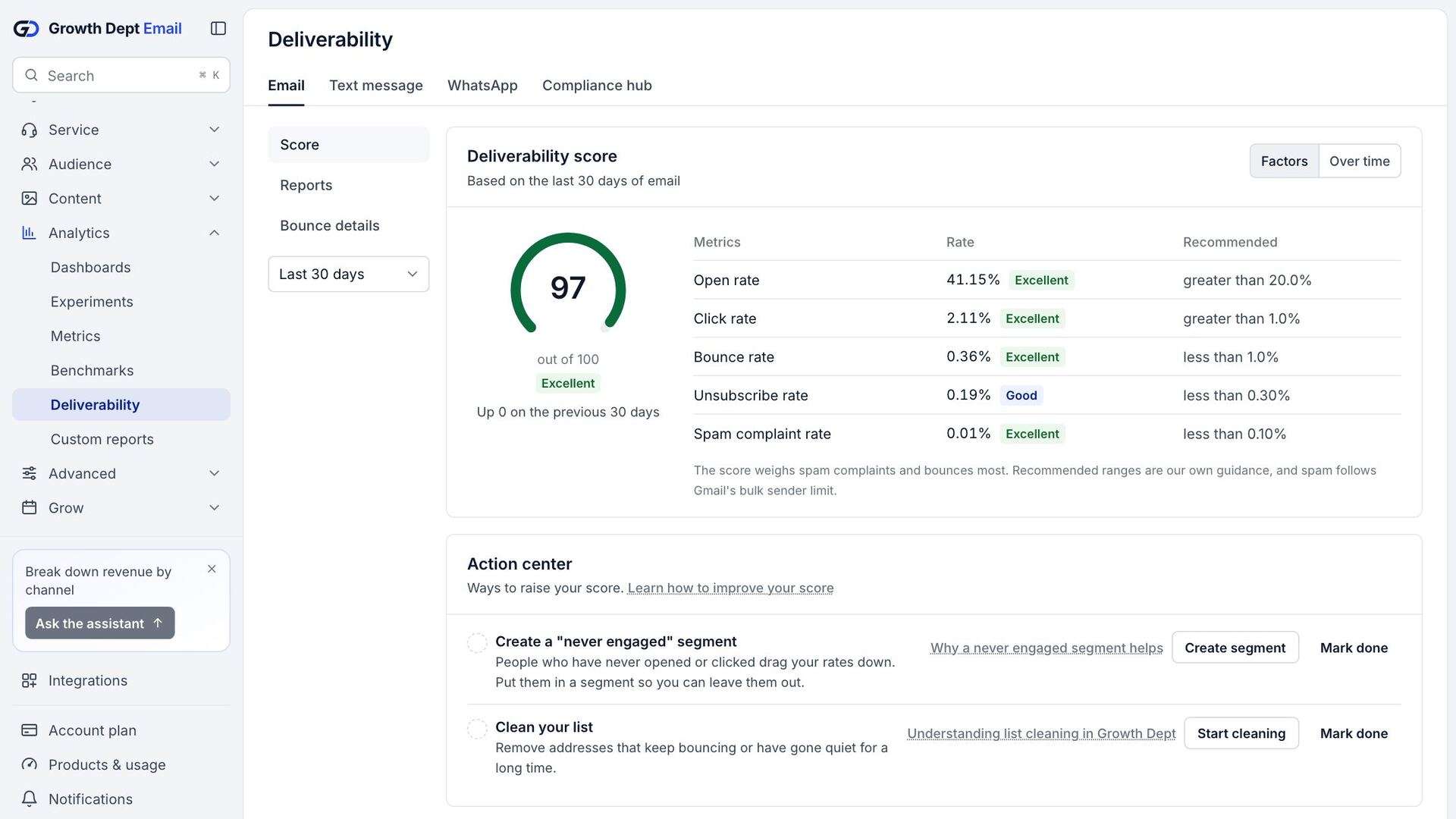
Everything you need to plan, write and check an email
The tools you use every day, in one account.
- 90ready-made flows in the library
- 142sign-up form designs
- 22email templates to start from
- 428of the 436 operations in Klaviyo's API, answered here
- $15a month for 500 active profiles, USD
- 10email sends a month included for each active profile
See what each email earned
Reports read the same orders your store records, and every rate is worked out from the totals behind it.
Set up your account
- Help centreGetting startedThe order we set an account up in, from the first sign-in to the first send.Read
- Help centreConnect ShopifyInstall the app or use the connection Growth Dept already runs for you.Read
- Help centreVerify a sending domainThe DNS records to add so your emails come from your own domain.Read
- DevelopersMake your first API callA private key, a revision header and one request for profiles.Read