Sign-up forms
Grow your list with forms that record consent
Build pop-ups, flyouts and embedded forms in an editor, decide who sees them and when, and send new subscribers straight into a welcome flow.

Three kinds of form
Pop-ups
Centred on the page after a delay, on scroll, or when a visitor is about to leave.Flyouts
A smaller panel from the corner that does not cover the page.Embedded
Part of the page itself, in a footer or on a landing page.
Forms stores run
First-order offer
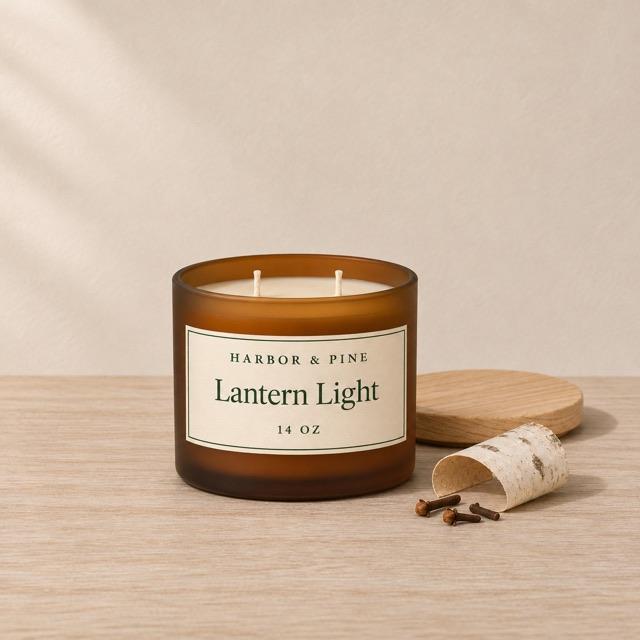
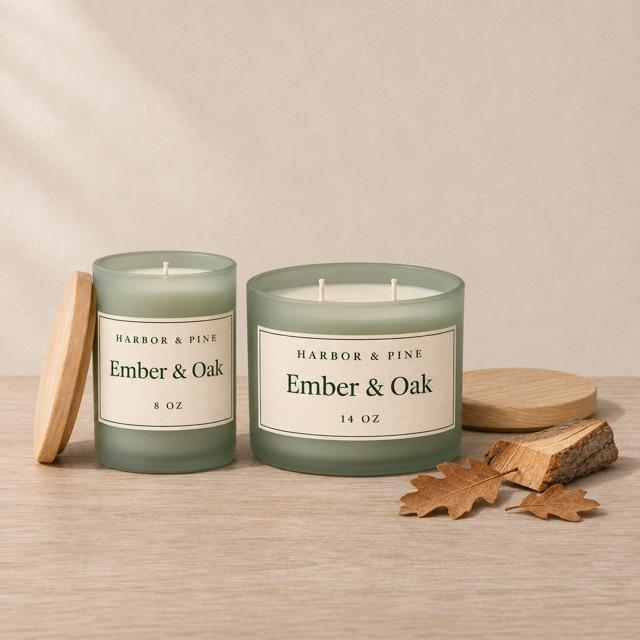
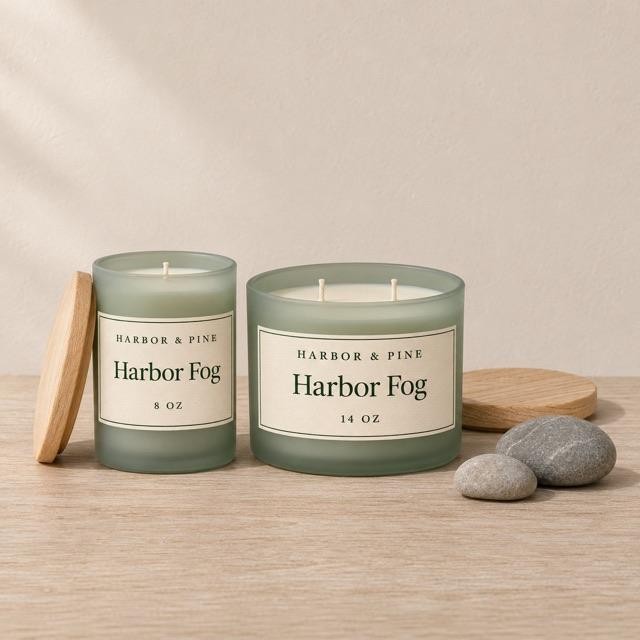
Back in stock
Footer sign-up
Targeting
Decide who sees it
Rules decide who sees a form and when.
Who. New visitors, returning ones, people not yet subscribed, or a segment.
Where. All pages, chosen URLs, or devices.
When. After a delay, a scroll depth or an exit intent.
Ada Lindqvist
ada@example.com · +1 555 0142
Sign-up form, 12 Mar
SMS
No consent on record
Recent activity
- Placed Order$136.00 · 2d
- Clicked Email3d
- Viewed Product3d
Consent
The consent wording is yours
Each form records what the shopper agreed to, for which channel, and when.
Subject line test
20% of the audience, 4 hours, then the winner goes to the rest
Lantern Light is back
Open rate 41.2%
Back at the cabin: Lantern Light
Open rate 44.8%
Testing
Try two versions
Split traffic between two versions of a form and keep the one that signs up more people.