Reporting
See what each message, flow and form earned
Reports read the orders your store records and credit them to the messages shoppers opened or clicked, with every rate worked out from its totals.
Reports for every part of the account
Campaigns and flows
Delivered, opened, clicked, ordered and revenue, per message and per variant.Forms
Views, submissions and the rate between them.Segments
Size over time and the revenue its members brought.
Ways to look at the numbers
Dashboards
The handful of numbers you check every week, on one page.
Custom reports
Pick metrics, group them, filter them and save the view.
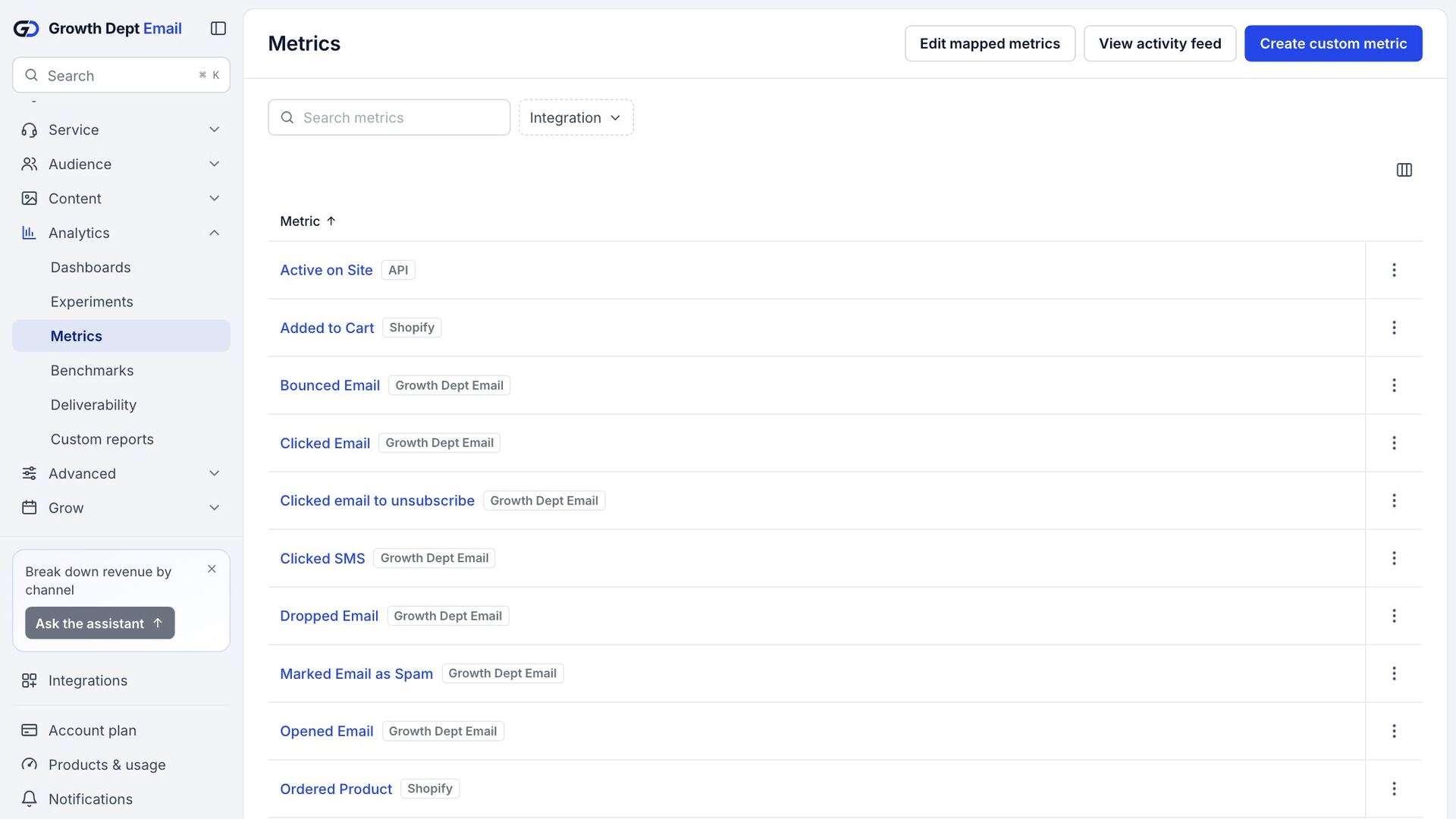
Metrics
Every event the account records, with counts over time.
Attribution
Credit you can explain
An order counts for a message when the shopper opened or clicked it within the window in your attribution settings. Reports say which window they use.
Subject line test
20% of the audience, 4 hours, then the winner goes to the rest
A
Lantern Light is back
Open rate 41.2%
BWinner
Back at the cabin: Lantern Light
Open rate 44.8%
Method
No averaged rates, no zeros for missing data
Open, click and conversion rates come from summed totals. Where there is no data, the report says so instead of showing zero.
Read more about automation
Questions about reporting
Which currency do reports use?
Your store's currency, labelled on every money figure.
Can I sign up today?
Accounts are open by invitation while we finish the platform. Ask for an account and someone from Growth Dept will reply to set it up with you.